
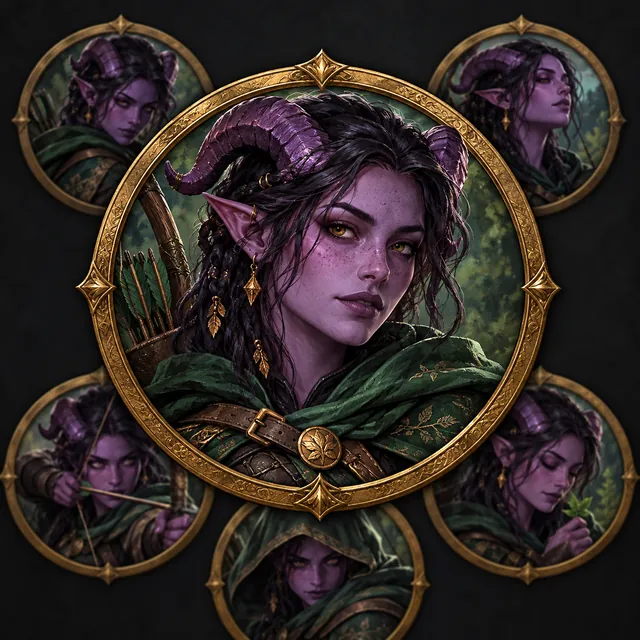
D&D token
Crop this character into a circular D&D token with a metallic fantasy frame, centered face and transparent background.
GAME AVATAR AND TABLETOP ASSETS
Create transparent sprites, game avatars and D&D token crops from your character sheet, then slice, remove backgrounds and export in the editor.
Create game assetsRecommended for you
CHARACTER REFERENCE GALLERY
Start with the core reference sheet, then move into expression, style and game avatar workflows on focused tool pages.
Crop this character into a circular D&D token with a metallic fantasy frame, centered face and transparent background.
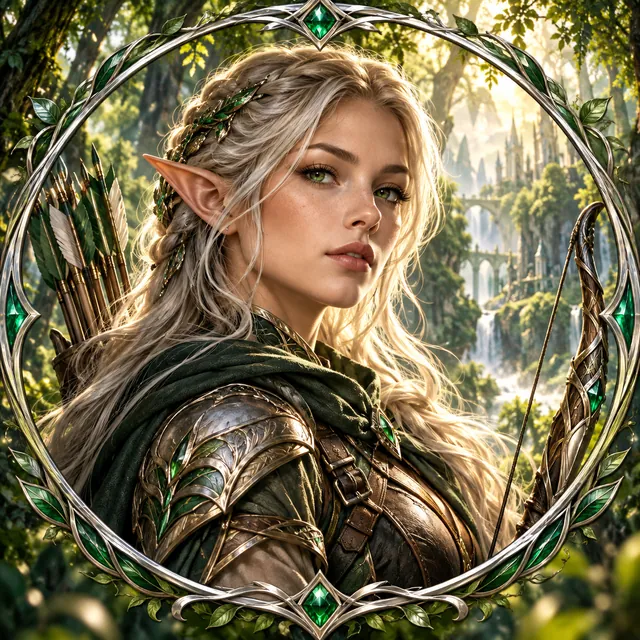
Create a square gaming avatar crop with a neon frame, strong silhouette and a clean background.
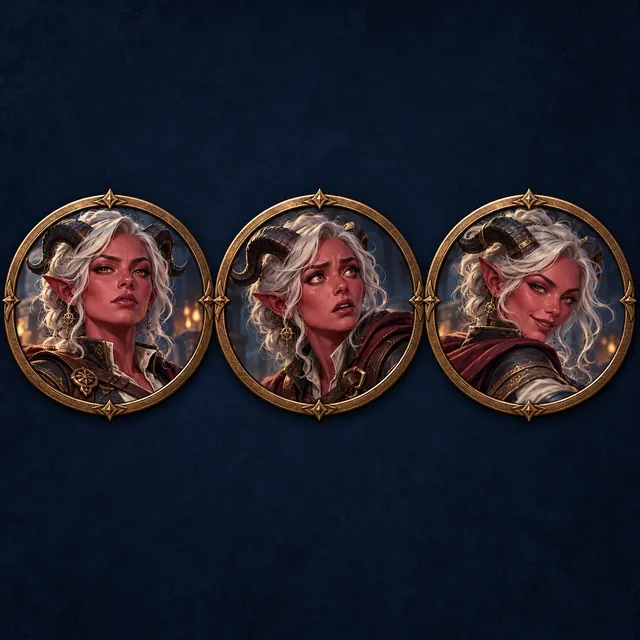
Split this character artwork into two matching profile picture crops with a shared color palette.
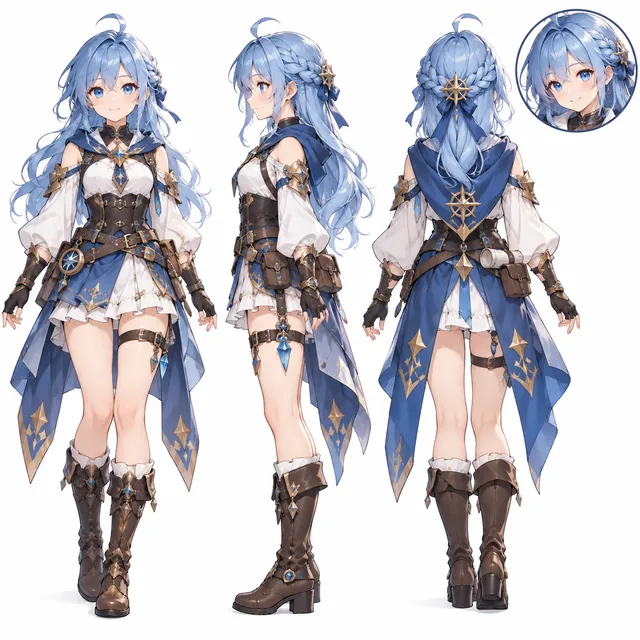
Remove the background and prepare a transparent full-body PNG plus a square avatar crop for a game project.